> ## Documentation Index
> Fetch the complete documentation index at: https://docs.replit.com/llms.txt
> Use this file to discover all available pages before exploring further.
# 파일 기록
> File History의 자동 저장 지점을 사용하여 이전 버전의 코드를 복구하는 방법을 알아보세요.
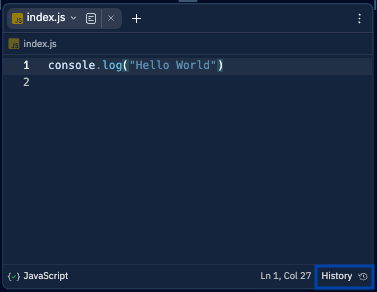
Project Editor에서 텍스트 파일을 열고 오른쪽 하단의 **History** 버튼을 눌러 시작하세요.
 ## 파일의 이전 버전 보기
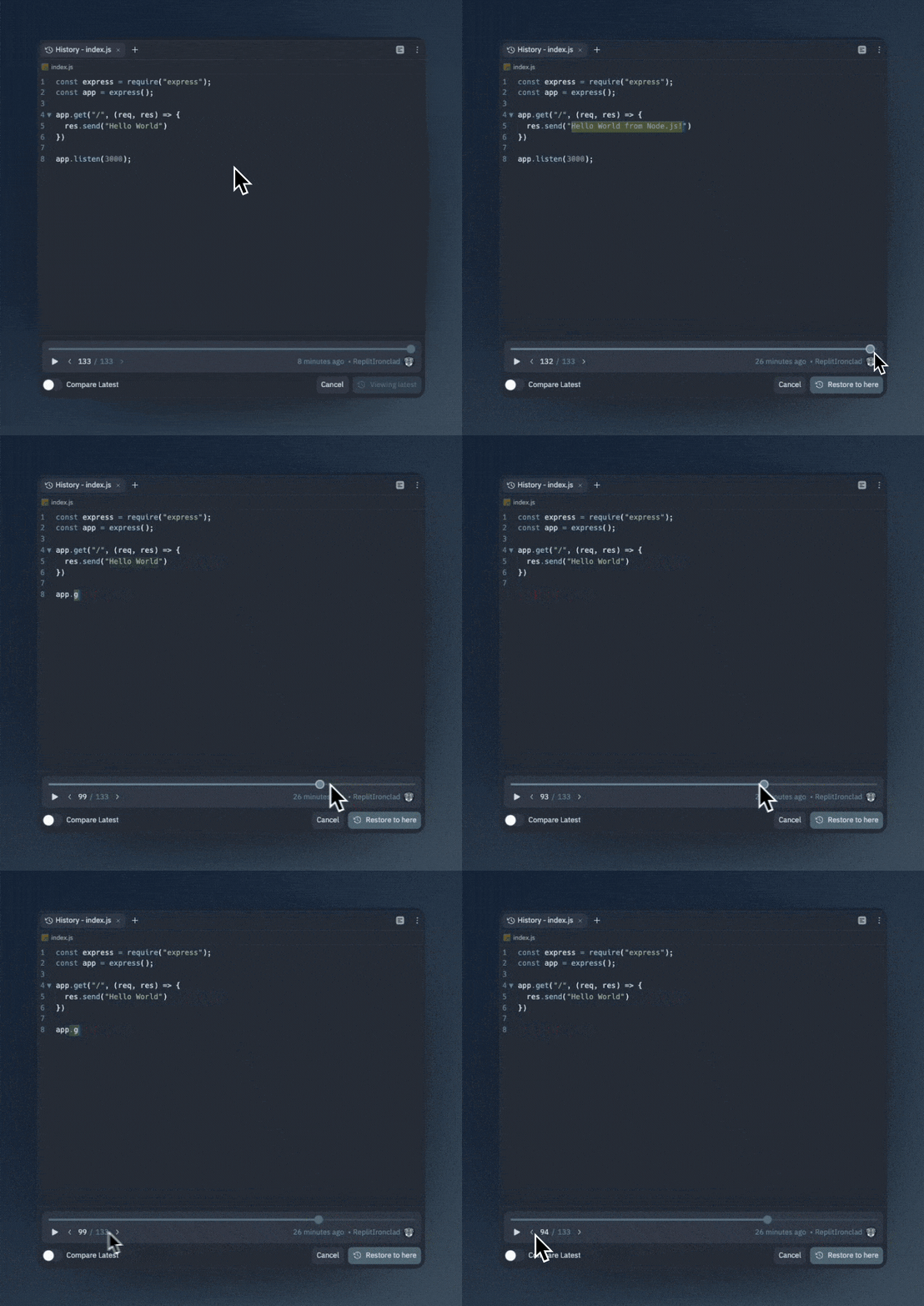
File History를 열면 스크롤 바, 화살표 버튼, 또는 **왼쪽**과 **오른쪽** 화살표 키를 사용하여 파일의 이전 버전을 볼 수 있습니다.
## 파일의 이전 버전 보기
File History를 열면 스크롤 바, 화살표 버튼, 또는 **왼쪽**과 **오른쪽** 화살표 키를 사용하여 파일의 이전 버전을 볼 수 있습니다.
 ## 이전 버전을 현재 파일과 비교하기
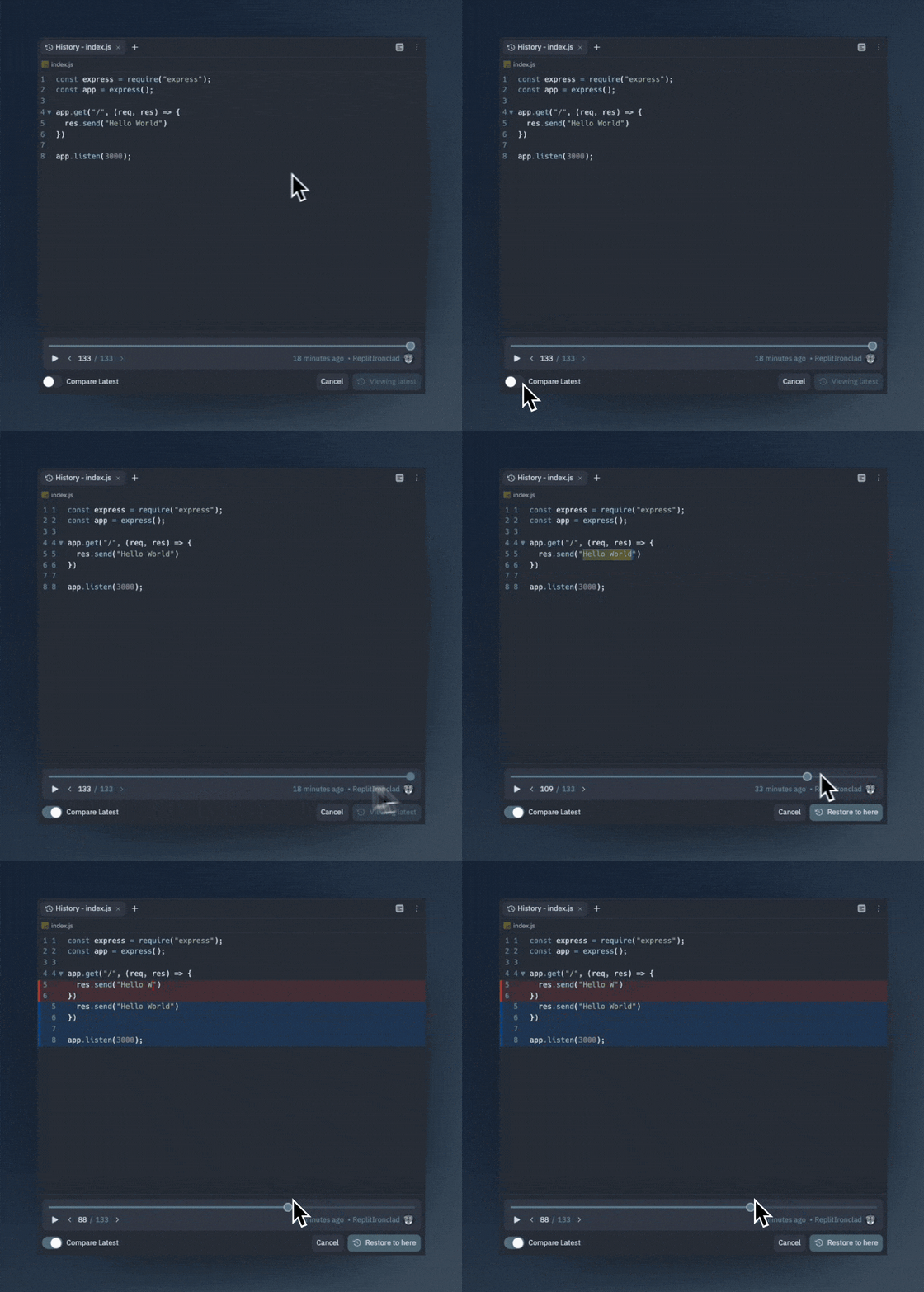
File History 창 왼쪽 하단의 Compare Latest 토글을 눌러 해당 시점의 파일과 최신 버전을 인라인으로 비교하세요.
## 이전 버전을 현재 파일과 비교하기
File History 창 왼쪽 하단의 Compare Latest 토글을 눌러 해당 시점의 파일과 최신 버전을 인라인으로 비교하세요.
 ## 파일의 이전 버전 복원하기
파일을 이전 버전으로 복원하려면 `Restore` 버튼을 누르면 복원됩니다. 걱정하지 마세요. 기록은 지워지지 않습니다. 이전 버전으로 복원하면 파일 기록에 새 버전으로 추가됩니다.
## 파일의 이전 버전 복원하기
파일을 이전 버전으로 복원하려면 `Restore` 버튼을 누르면 복원됩니다. 걱정하지 마세요. 기록은 지워지지 않습니다. 이전 버전으로 복원하면 파일 기록에 새 버전으로 추가됩니다.
 ## File History 재생 보기
File History의 재생 기능을 사용하여 파일이 영화처럼 시간에 따라 변화하는 모습을 볼 수 있습니다. 이는 프로그래밍 세션의 영상을 만들 때 유용합니다.
## File History 재생 보기
File History의 재생 기능을 사용하여 파일이 영화처럼 시간에 따라 변화하는 모습을 볼 수 있습니다. 이는 프로그래밍 세션의 영상을 만들 때 유용합니다.