> ## Documentation Index
> Fetch the complete documentation index at: https://docs.replit.com/llms.txt
> Use this file to discover all available pages before exploring further.
# 2026年6月5日
> 2分で読める
export const WistiaEmbed = ({videoId, title = "Wistia video", playerColor = "FF0000", controlsVisibleOnLoad = false}) => {
if (!videoId) {
return null;
}
const url = "https://fast.wistia.net/embed/iframe/" + videoId + "?seo=false&playerColor=" + playerColor + "&controlsVisibleOnLoad=" + controlsVisibleOnLoad;
return
;
};
## 新機能
* [Shopifyで物理製品を販売](#sell-physical-products-with-shopify)
* [Microsoft Fabric上でデータAppを構築](#build-data-apps-on-microsoft-fabric)
* [カスタムドメインが独自のDNSを設定](#custom-domains-set-up-their-own-dns)
* [SEO Agentで検索ランキングを向上](#improve-your-search-ranking-with-seo-agent)
* [コラボレーティブワークスペースでStripeを使用](#use-stripe-in-collaborative-workspaces)
## インテグレーション
### Shopifyで物理製品を販売
物理製品を販売するオンラインストアを構築できるようになりました。Agentにストアの構築を依頼すると、Shopifyストアを作成し、商品を追加して、カートとチェックアウトを設定します。Agentはストアを申請するリンクを提供し、Shopifyプランにサインアップして支払いを接続するとライブになります。
[Shopifyの接続](/references/integrations/shopify)の詳細をご覧ください。
### Microsoft Fabric上でデータAppを構築
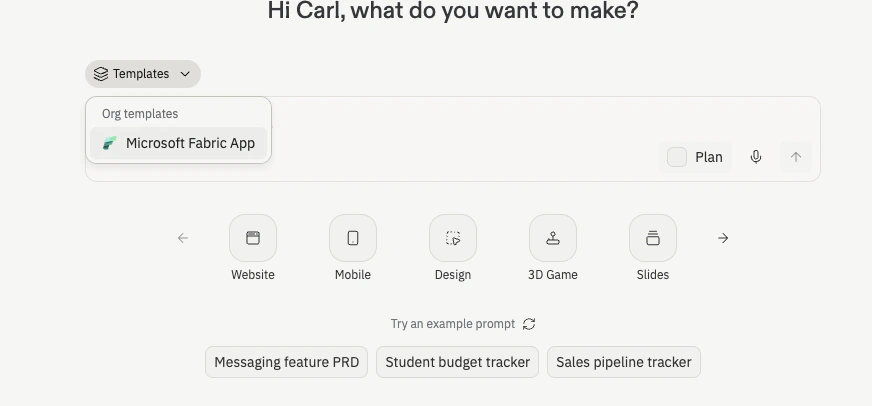
ReplitでAIを活用したデータAppを構築し、Microsoft Fabricに直接公開できるようになりました。Microsoft FabricテンプレートからスタートしてPower BIセマンティックモデルを接続し、Agentに認証とアクセスポリシーをFabric内に維持しながら、ガバナンスされたエンタープライズデータ上のダッシュボードや内部ツールの構築を依頼できます。
 [Microsoft Fabric上でのデータApp構築](/connectors/warehouses/microsoft-fabric)の詳細をご覧ください。
## ワークスペース
### カスタムドメインが独自のDNSを設定
独自のドメイン名の接続が大幅に簡単になりました。ドメインをリンクすると、ReplitがEntriを通じて必要なDNSレコードを設定するため、ドメインプロバイダーに手動でレコードをコピーする必要がなくなりました。ドメインを選択して確認すると、Replitが残りを処理します。
[カスタムドメイン](/references/publishing/custom-domains)の詳細をご覧ください。
## Agent
### SEO Agentで検索ランキングを向上
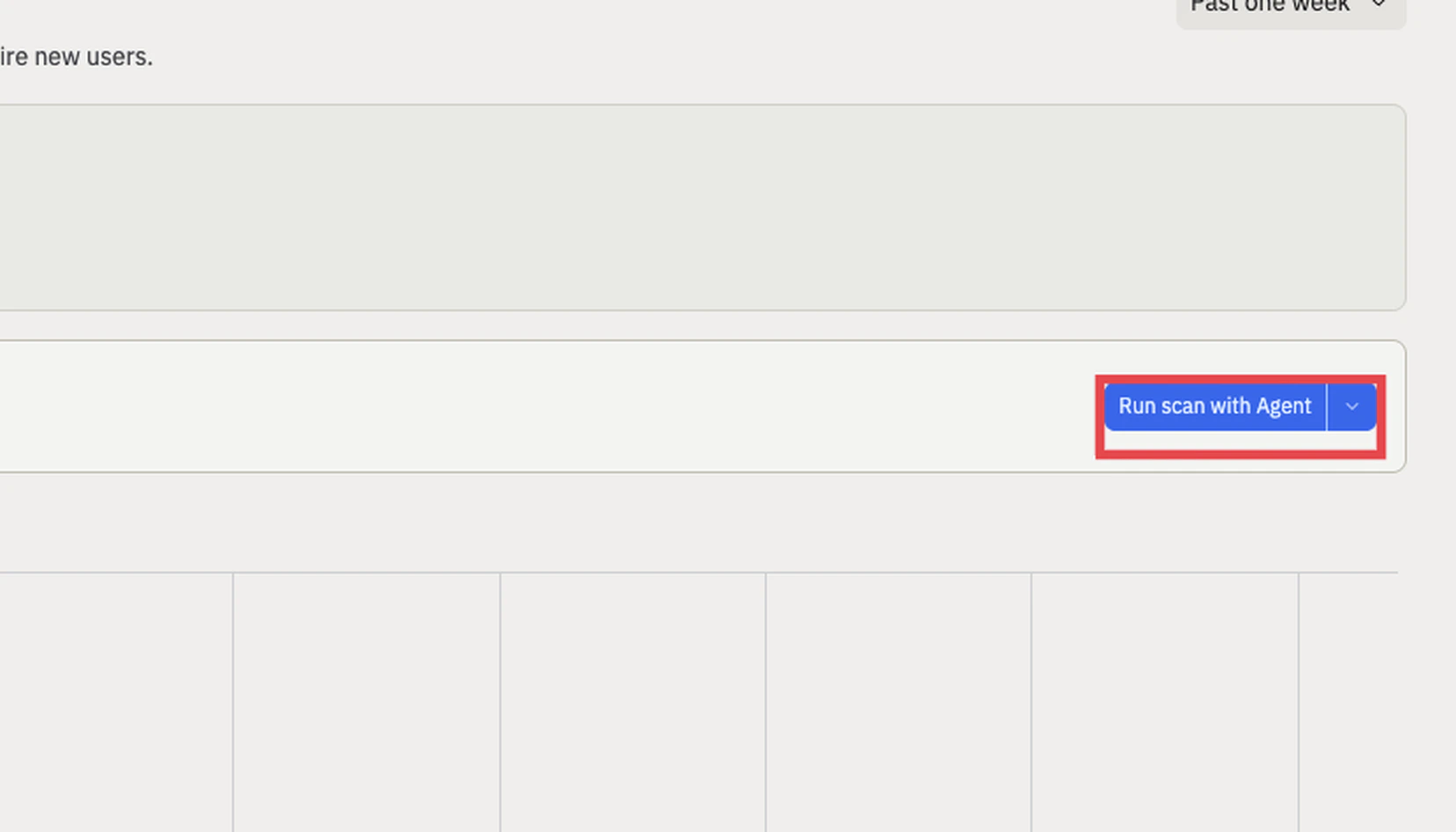
SEO Agentは公開済みAppを確認し、検索エンジンやAIツールによる発見を妨げる問題を特定します。各発見にはワンクリックで確認・適用できる修正が付いています。プロジェクトの**Growth**ペインを開いてスキャンを実行してください。
[Microsoft Fabric上でのデータApp構築](/connectors/warehouses/microsoft-fabric)の詳細をご覧ください。
## ワークスペース
### カスタムドメインが独自のDNSを設定
独自のドメイン名の接続が大幅に簡単になりました。ドメインをリンクすると、ReplitがEntriを通じて必要なDNSレコードを設定するため、ドメインプロバイダーに手動でレコードをコピーする必要がなくなりました。ドメインを選択して確認すると、Replitが残りを処理します。
[カスタムドメイン](/references/publishing/custom-domains)の詳細をご覧ください。
## Agent
### SEO Agentで検索ランキングを向上
SEO Agentは公開済みAppを確認し、検索エンジンやAIツールによる発見を妨げる問題を特定します。各発見にはワンクリックで確認・適用できる修正が付いています。プロジェクトの**Growth**ペインを開いてスキャンを実行してください。
 [SEO Agent](/references/publishing/seo-agent)の詳細をご覧ください。
## 請求
### コラボレーティブワークスペースでStripeを使用
Stripeがコラボレーティブワークスペースで機能するようになり、チーム全体で同じAppを構築、テスト、収益化できます。ワークスペースの全員が、単独で支払いを構築する代わりに、接続されたStripeアカウントを使って作業できます。
[Stripe決済](/references/monetization/stripe-payments)の詳細をご覧ください。
[SEO Agent](/references/publishing/seo-agent)の詳細をご覧ください。
## 請求
### コラボレーティブワークスペースでStripeを使用
Stripeがコラボレーティブワークスペースで機能するようになり、チーム全体で同じAppを構築、テスト、収益化できます。ワークスペースの全員が、単独で支払いを構築する代わりに、接続されたStripeアカウントを使って作業できます。
[Stripe決済](/references/monetization/stripe-payments)の詳細をご覧ください。