> ## Documentation Index
> Fetch the complete documentation index at: https://docs.replit.com/llms.txt
> Use this file to discover all available pages before exploring further.
# App Store のスクリーンショットを生成する
> Replit 組み込みの画像生成を使って PixelGames のストアスクリーンショットを作成します。
export const AiPrompt = ({children}) => {
return
{children}
;
};
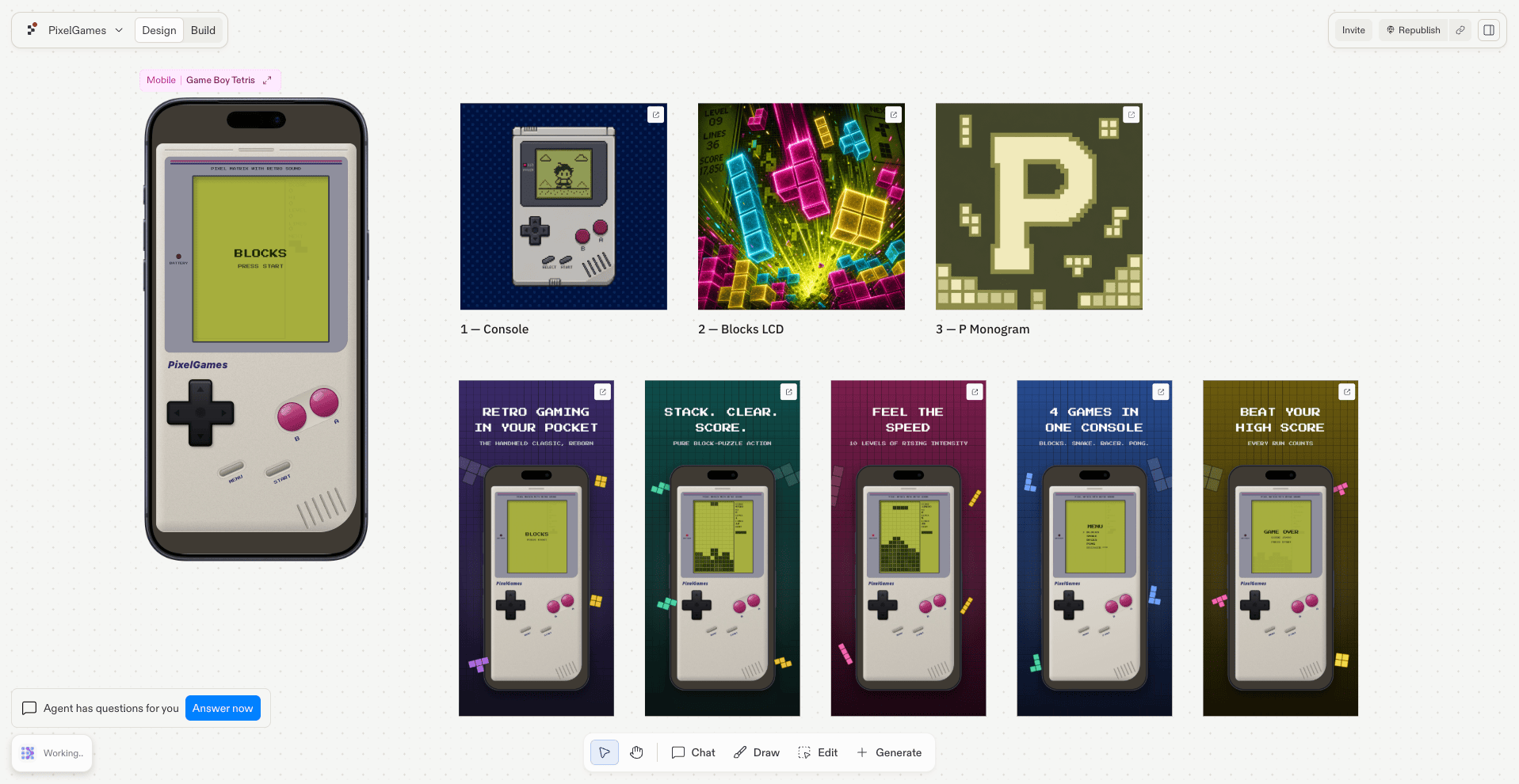
export const appStoreScreenshotsPrompt = "Create 5 beautiful, engaging App Store screenshots at 1284x2778 px that make users want to download the app.";
export const featureGraphicPrompt = "Generate a 1024x500 feature graphic for PixelGames' Google Play listing, using the same Game Boy theme as the app icon.";
両方のストアともスクリーンショットが必要で、Google Play はさらにフィーチャーグラフィックも必要です。これらが
なければ申請を受け付けてもらえません。Replit なら、PixelGames の実際のスクリーンショットをそのまま洗練された
マーケティング画像に変換できます。
## 各ストアが必要とするもの
* **App Store:** 6.5インチ iPhone サイズである **1284×2778 px** のスクリーンショットが最低1枚。
* **Google Play:** 電話用スクリーンショットが最低2枚に加えて、リスティング上部に表示される
1024×500 のフィーチャーグラフィック。
## マーケティング用スクリーンショットを生成する
{appStoreScreenshotsPrompt}
 ## フィーチャーグラフィックを生成する(Google Play)
{featureGraphicPrompt}
## 次のステップ
各ストアが必要とするアイコンを作成しましょう。
これらのアセットを Play Console のリスティングで使いましょう。
## 関連
* [スマートフォンでプレビューしてテストする](/build/mobile-preview-testing)
## フィーチャーグラフィックを生成する(Google Play)
{featureGraphicPrompt}
## 次のステップ
各ストアが必要とするアイコンを作成しましょう。
これらのアセットを Play Console のリスティングで使いましょう。
## 関連
* [スマートフォンでプレビューしてテストする](/build/mobile-preview-testing)