> ## Documentation Index
> Fetch the complete documentation index at: https://docs.replit.com/llms.txt
> Use this file to discover all available pages before exploring further.
# What is Replit Design
> Replit Design is a design suite to generate design frames from prompts, explore the AI's suggestions, and keep everything on brand with design systems.
Replit Design is where you shape how your software looks and feels. You describe what you want, and Replit Design generates interactive mockups you can explore and refine. When one is right, it becomes a working app in the same project.
 ## Start fresh or import existing designs
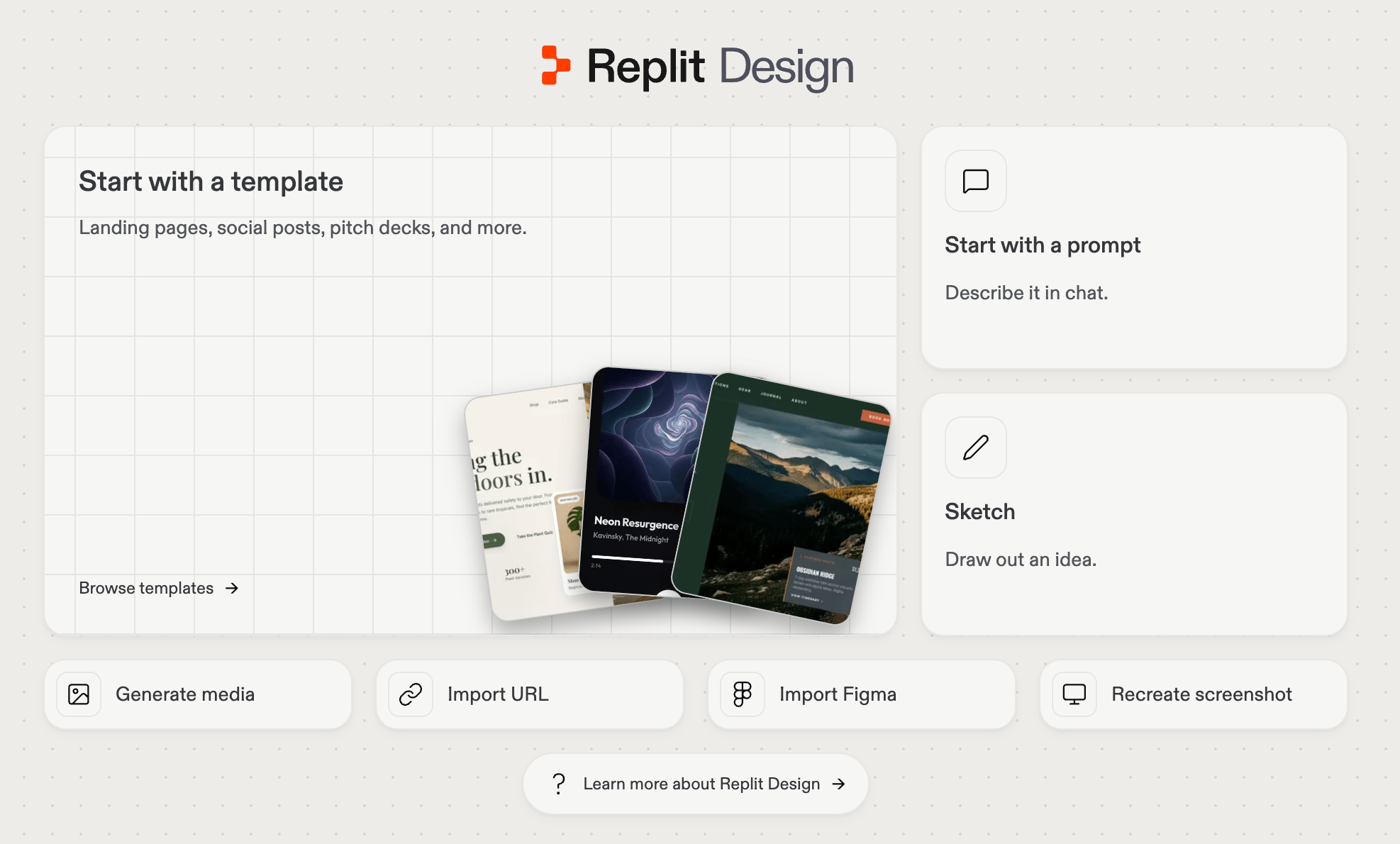
Start at [Replit Design](https://replit.com/design), or select **Design** under the create input on your workspace home. Four ways in:
* **[Prompt](/design/design-your-first-screen)**: describe what you want and generate your first frames.
* **[Templates](/design/start-from-a-template)**: start from a pre-built landing page, poster, social post, mobile screen, or prototype, then remix it.
* **[Import](/design/import-figma-designs-into-replit-design)**: bring a design from Figma or [Claude](/design/import-claude-designs-into-replit-design), or recreate a site [from its URL](/design/import-a-website-into-replit-design) or a screenshot.
* **[Design system](/design/design-systems-explained)**: start from a saved system so your first frame is already on brand.
## Start fresh or import existing designs
Start at [Replit Design](https://replit.com/design), or select **Design** under the create input on your workspace home. Four ways in:
* **[Prompt](/design/design-your-first-screen)**: describe what you want and generate your first frames.
* **[Templates](/design/start-from-a-template)**: start from a pre-built landing page, poster, social post, mobile screen, or prototype, then remix it.
* **[Import](/design/import-figma-designs-into-replit-design)**: bring a design from Figma or [Claude](/design/import-claude-designs-into-replit-design), or recreate a site [from its URL](/design/import-a-website-into-replit-design) or a screenshot.
* **[Design system](/design/design-systems-explained)**: start from a saved system so your first frame is already on brand.
 ## Explore variants
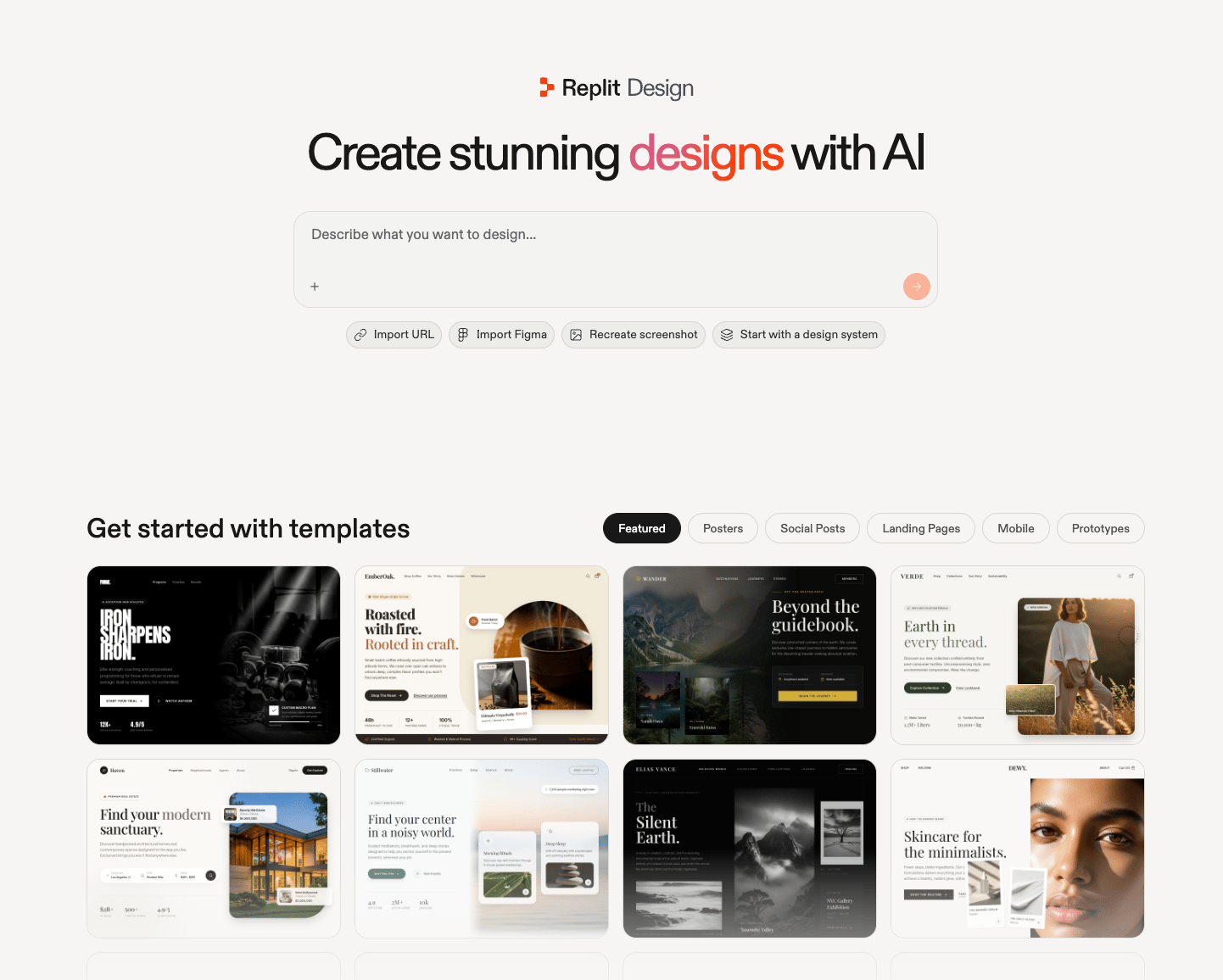
Go wide before you commit. Every result lands as a new frame, so you never lose a direction.
* **[Suggestions](/design/explore-suggestions)**: select a frame and Replit Design proposes what to try next, one click each.
* **[A different model](/design/explore-with-different-models)**: switch the model behind Design and send the same brief for a genuinely different direction.
## Explore variants
Go wide before you commit. Every result lands as a new frame, so you never lose a direction.
* **[Suggestions](/design/explore-suggestions)**: select a frame and Replit Design proposes what to try next, one click each.
* **[A different model](/design/explore-with-different-models)**: switch the model behind Design and send the same brief for a genuinely different direction.
 ## Refine
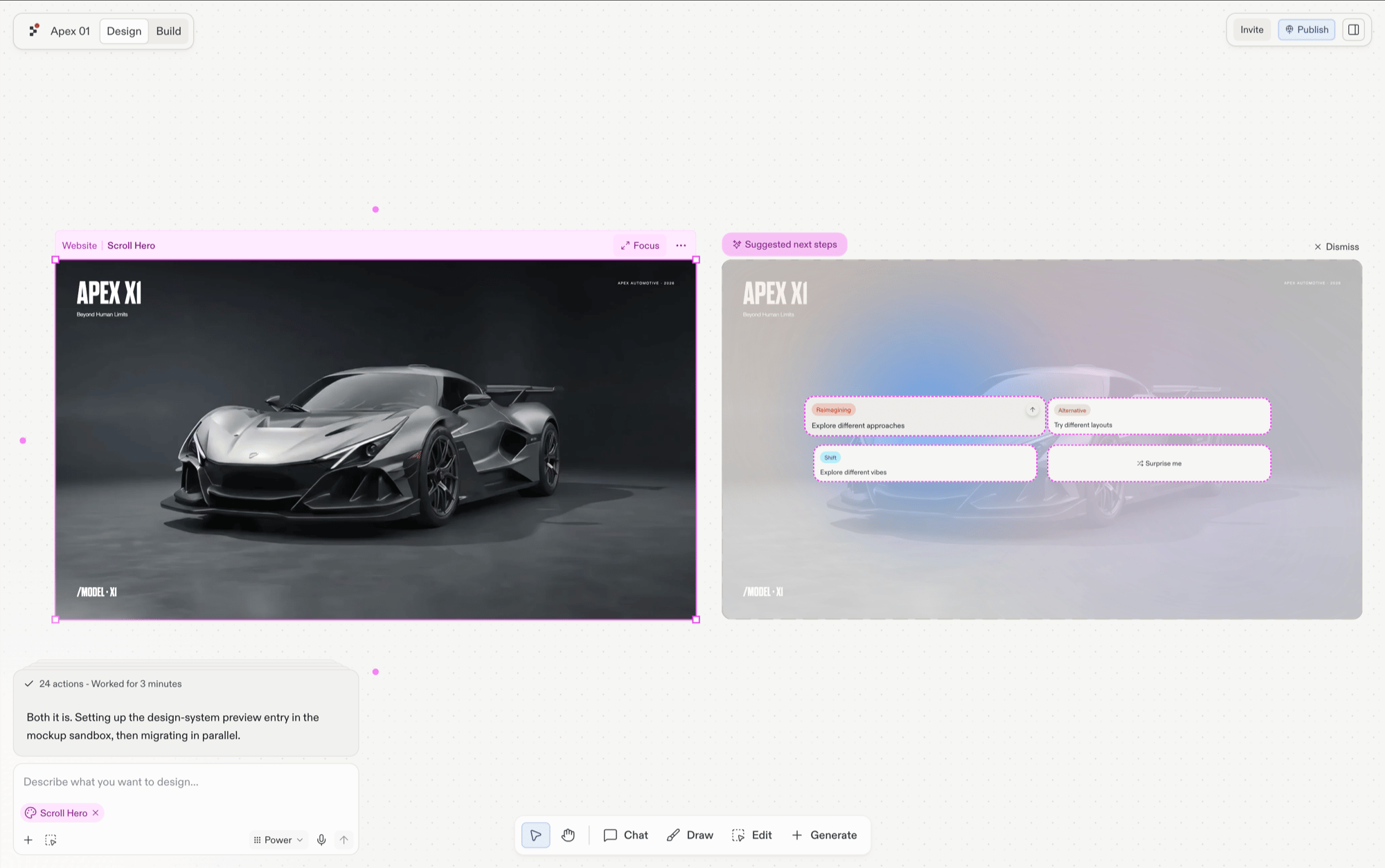
Shape the winner however feels natural:
* **[Chat](/design/chat-about-your-design)**: brief Agent in your own words, about the whole board or one frame at a time.
* **[Visual Editor](/design/visual-editor)**: click into any element and adjust text, colors, spacing, and images directly. Simple edits apply to source code instantly, without spending credits.
* **[Draw](/design/toolbar#draw)**: circle problems, arrow the element you mean, leave a sticky note. Agent reads your markup.
* **[Generate assets](/design/toolbar#generate)**: create the images, video clips, and vector graphics your design needs, with references attached so they match your project's look.
## Refine
Shape the winner however feels natural:
* **[Chat](/design/chat-about-your-design)**: brief Agent in your own words, about the whole board or one frame at a time.
* **[Visual Editor](/design/visual-editor)**: click into any element and adjust text, colors, spacing, and images directly. Simple edits apply to source code instantly, without spending credits.
* **[Draw](/design/toolbar#draw)**: circle problems, arrow the element you mean, leave a sticky note. Agent reads your markup.
* **[Generate assets](/design/toolbar#generate)**: create the images, video clips, and vector graphics your design needs, with references attached so they match your project's look.
 ## Build
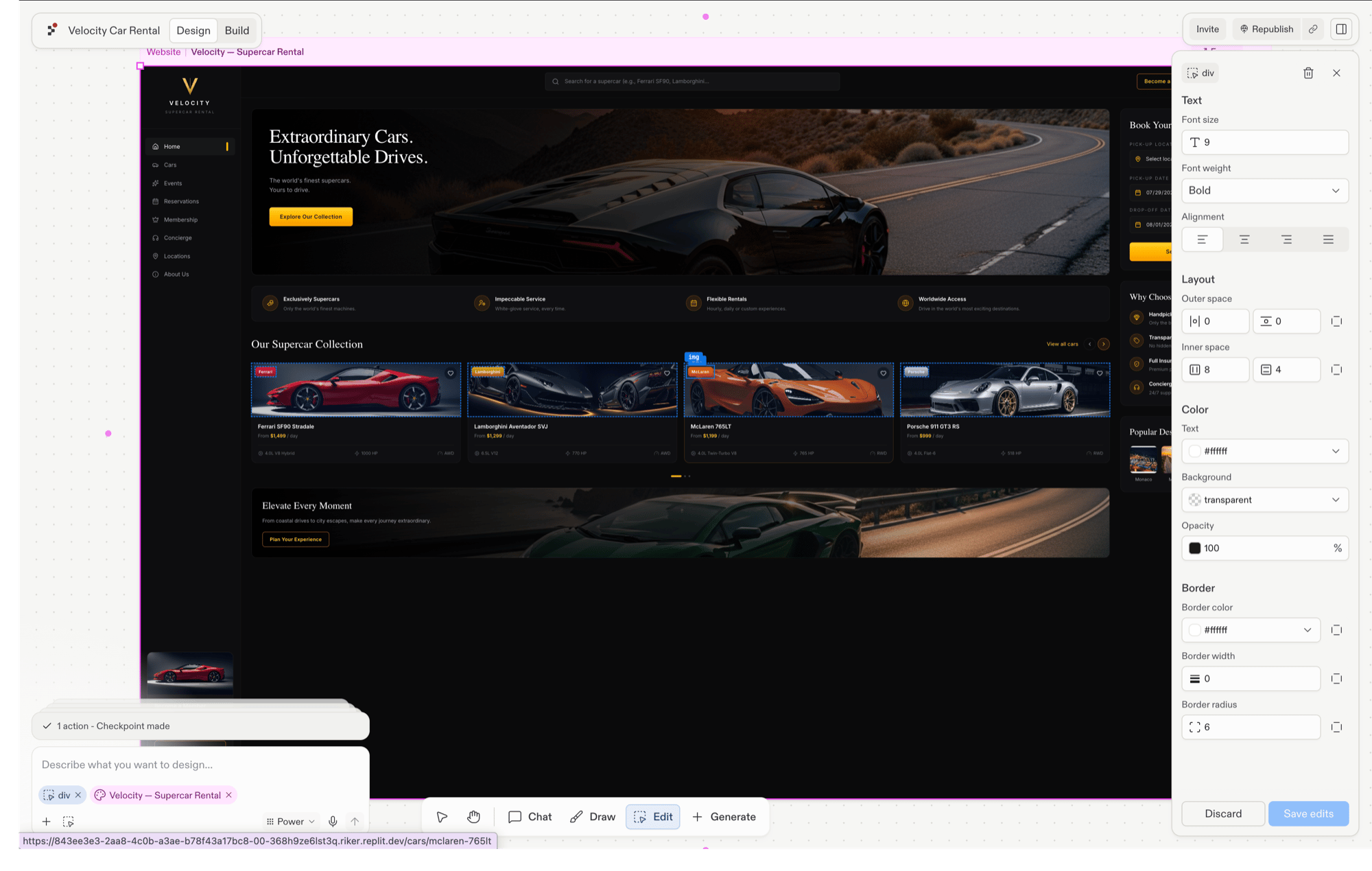
When a frame is right, hand it to Agent. A design here is never just a picture, it's the spec for real software.
* **[Build your design](/design/build-your-design)**: turn the frame into a new working app.
* **[Restyle an existing app](/design/frames#build)**: apply the frame's look to an app you already have.
## Build
When a frame is right, hand it to Agent. A design here is never just a picture, it's the spec for real software.
* **[Build your design](/design/build-your-design)**: turn the frame into a new working app.
* **[Restyle an existing app](/design/frames#build)**: apply the frame's look to an app you already have.
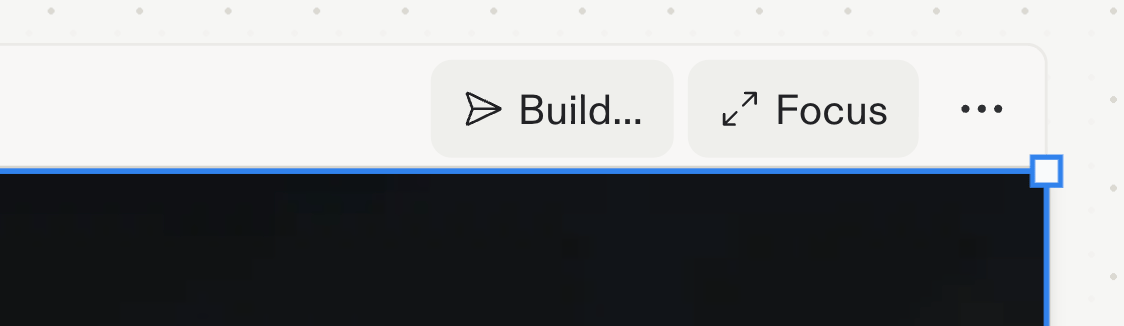 Building a new app from a design frame requires Core or Pro; every other Design capability works on every plan. See [Billing](/billing/ai-billing) for plan details.
## Scale
Make the next design faster than the last:
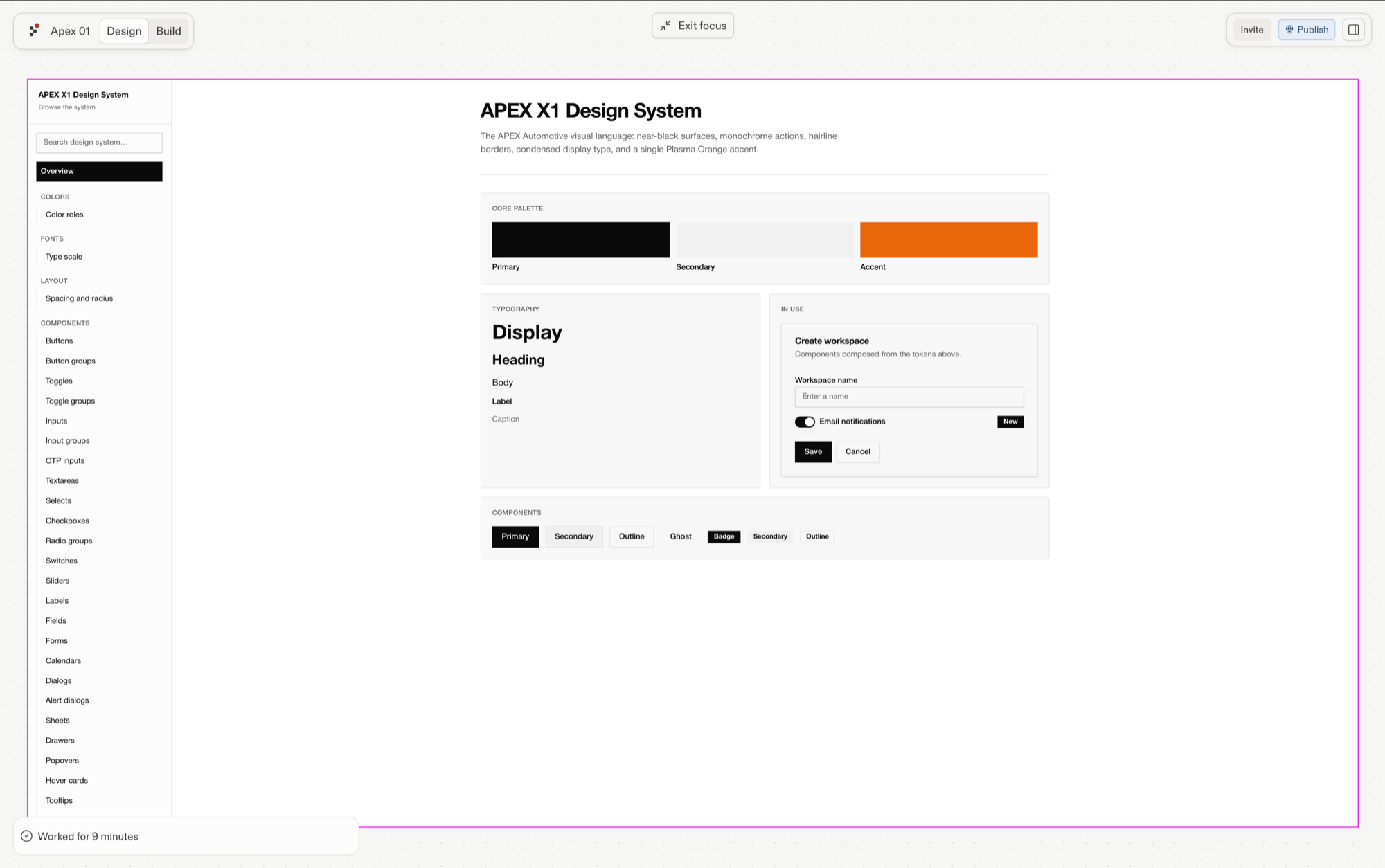
* **[Create a design system](/design/create-a-design-system)**: extract your colors, typography, tokens, and components from a design you love, or prompt one from scratch.
* **Start new work from it**: new artifacts generate on brand from the first frame.
* **[Bring existing apps under the system](/design/apply-design-system)**: rebuild the styling of apps you already have so everything matches.
* **Switch systems**: choose or change the system per project.
From here the journey loops back to **Start**, and now every design begins on brand.
Building a new app from a design frame requires Core or Pro; every other Design capability works on every plan. See [Billing](/billing/ai-billing) for plan details.
## Scale
Make the next design faster than the last:
* **[Create a design system](/design/create-a-design-system)**: extract your colors, typography, tokens, and components from a design you love, or prompt one from scratch.
* **Start new work from it**: new artifacts generate on brand from the first frame.
* **[Bring existing apps under the system](/design/apply-design-system)**: rebuild the styling of apps you already have so everything matches.
* **Switch systems**: choose or change the system per project.
From here the journey loops back to **Start**, and now every design begins on brand.
 ## When to start in Design vs. Build
Design and Build are two entry points into the same project. Build is where Agent makes your software work; Design is where you shape how it looks. Nothing you design is stranded in a design tool.
* Start in **Design** when the look is the hard part: explore directions first, build the winner.
* Start in **Build** when the behavior is the hard part: get it working, then restyle it in Replit Design.
## Next step
Generate your first design frames from a prompt, no design experience needed.
## When to start in Design vs. Build
Design and Build are two entry points into the same project. Build is where Agent makes your software work; Design is where you shape how it looks. Nothing you design is stranded in a design tool.
* Start in **Design** when the look is the hard part: explore directions first, build the winner.
* Start in **Build** when the behavior is the hard part: get it working, then restyle it in Replit Design.
## Next step
Generate your first design frames from a prompt, no design experience needed.