> ## Documentation Index
> Fetch the complete documentation index at: https://docs.replit.com/llms.txt
> Use this file to discover all available pages before exploring further.
# Import a website into Replit Design
> Recreate a live website as a design frame in Replit Design, then refine it with suggestions and chat, and build it into an app.
⏰ *Estimated time: 10 minutes*
Sometimes the design you want to start from is already live on the web: your current site, or a page whose look you want to rebuild. Import from URL recreates a website as a design frame you can explore, refine, and build into an interactive app.
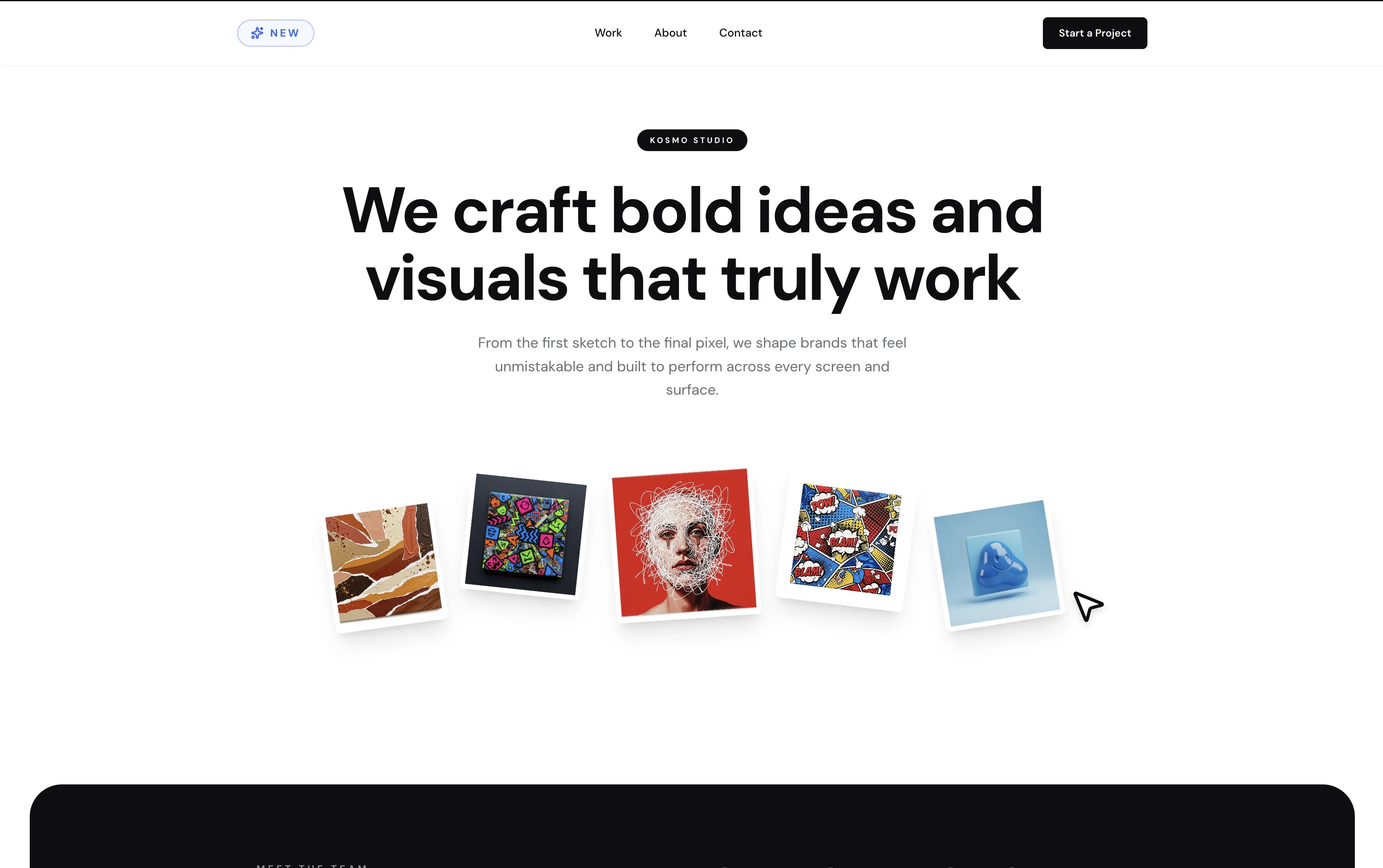
You'll use [creative-studio-landing.replit.app](https://creative-studio-landing.replit.app), a Replit-built landing page for a creative studio, as the example.
## Before you start
You need:
* A [Replit account](https://replit.com).
* The URL of a public website, or the example above.
## Import the website
Use your own site, or copy the example: `https://creative-studio-landing.replit.app`.
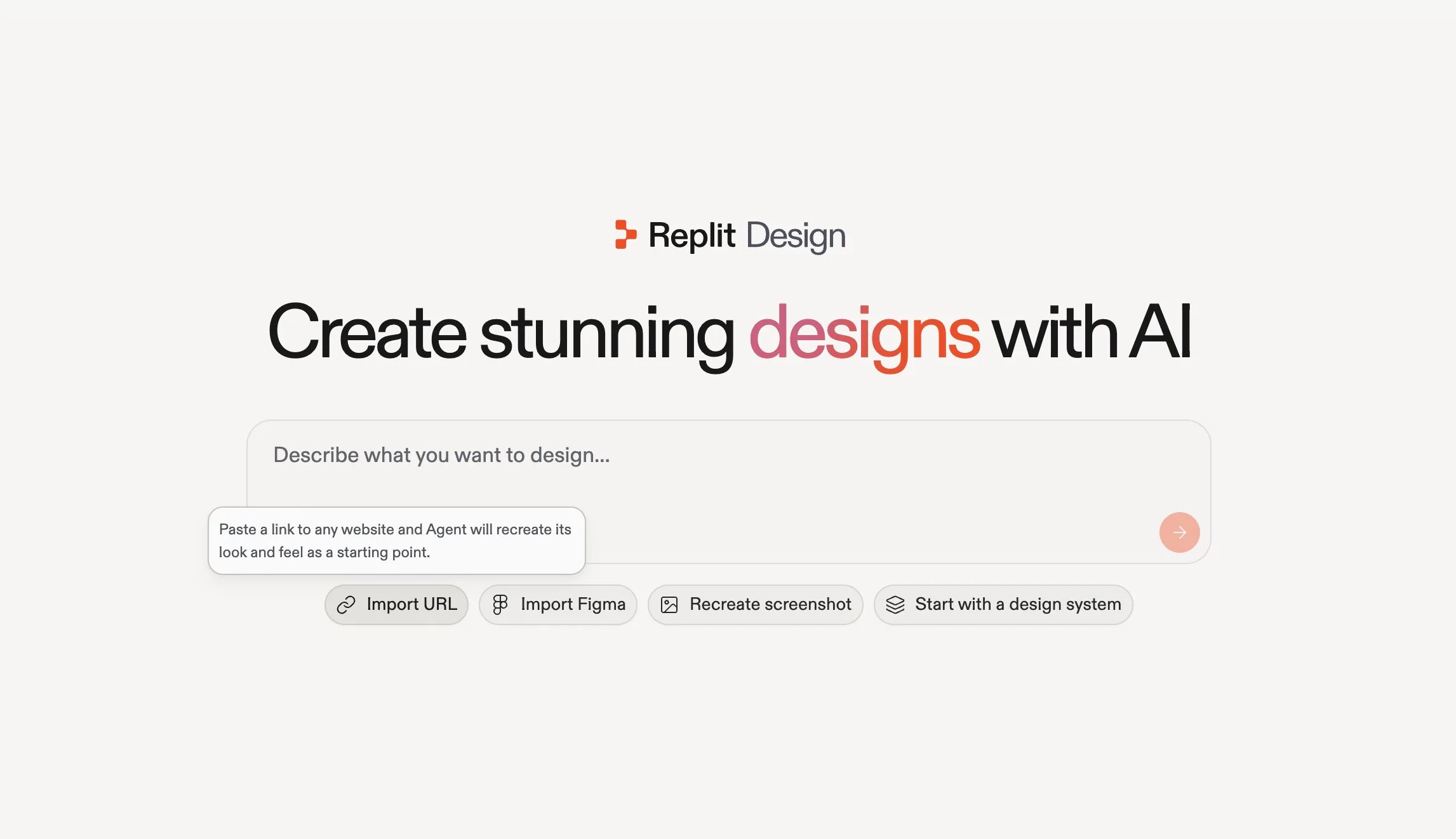
 Go to [replit.com/design](https://replit.com/design) and select **Import URL** under the prompt box. Agent recreates the site's look and feel as a starting point.
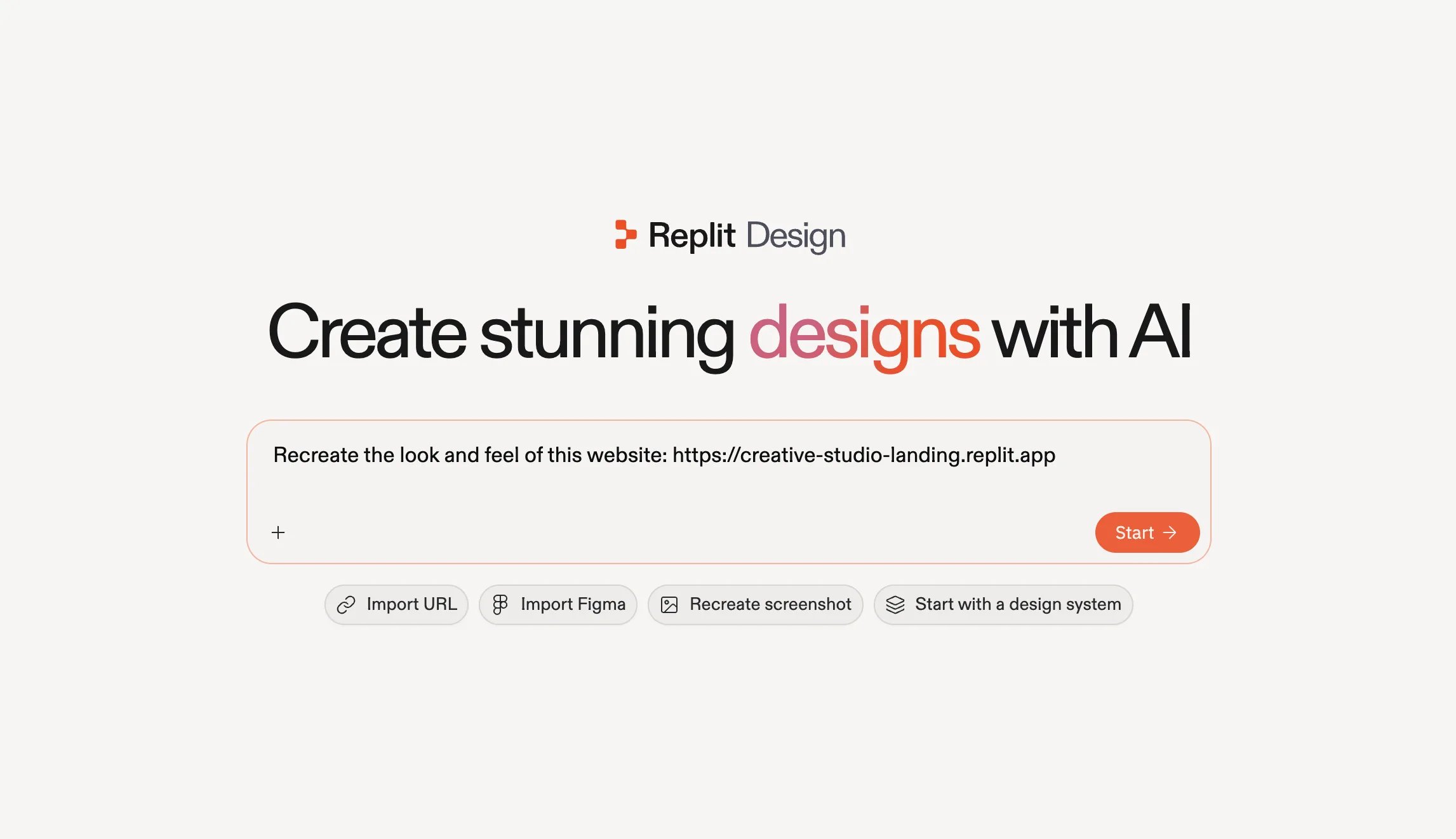
 Selecting **Import URL** prefills the prompt: *"Recreate the look and feel of this website:"*. Paste your URL after it and select **Start**.
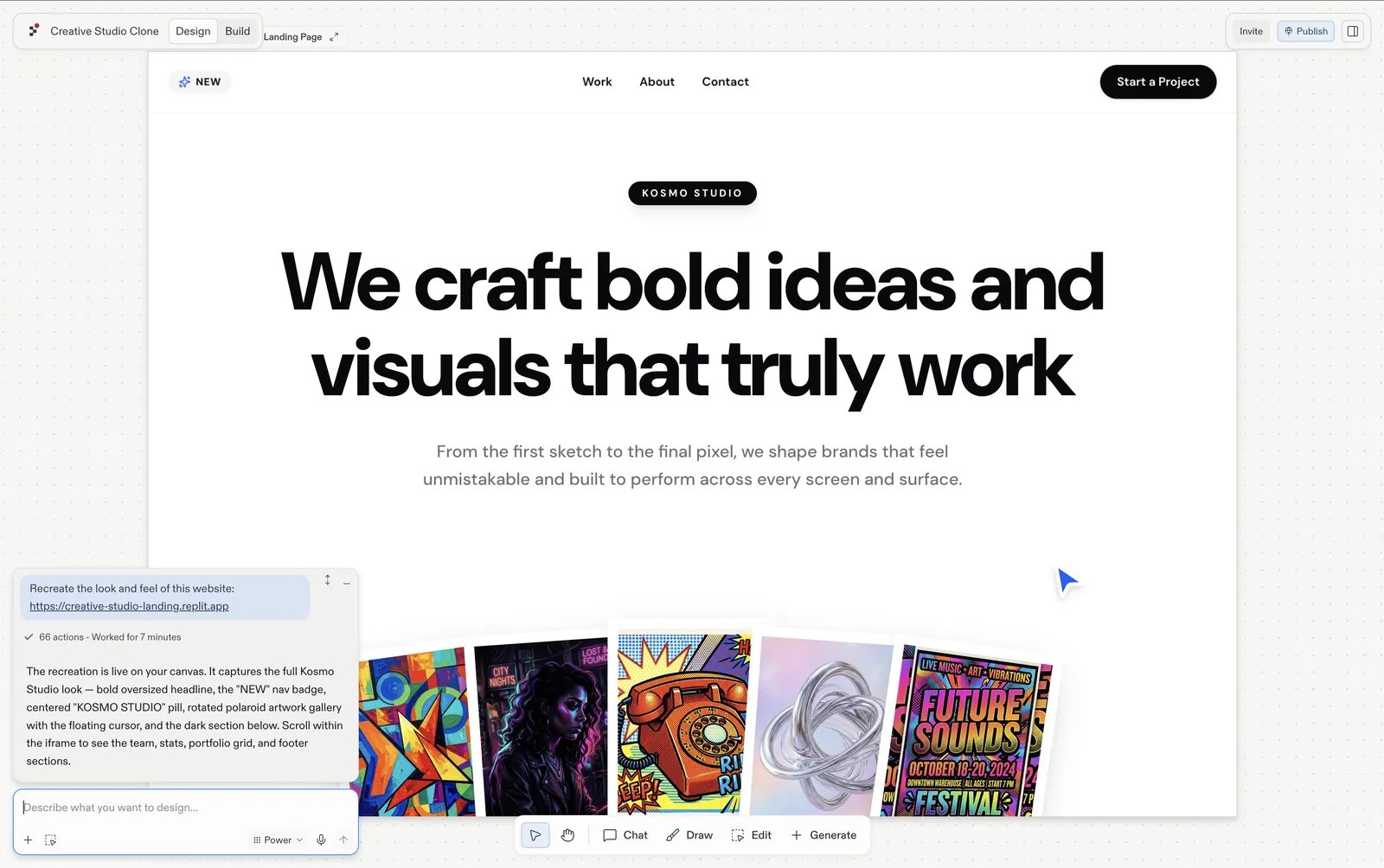
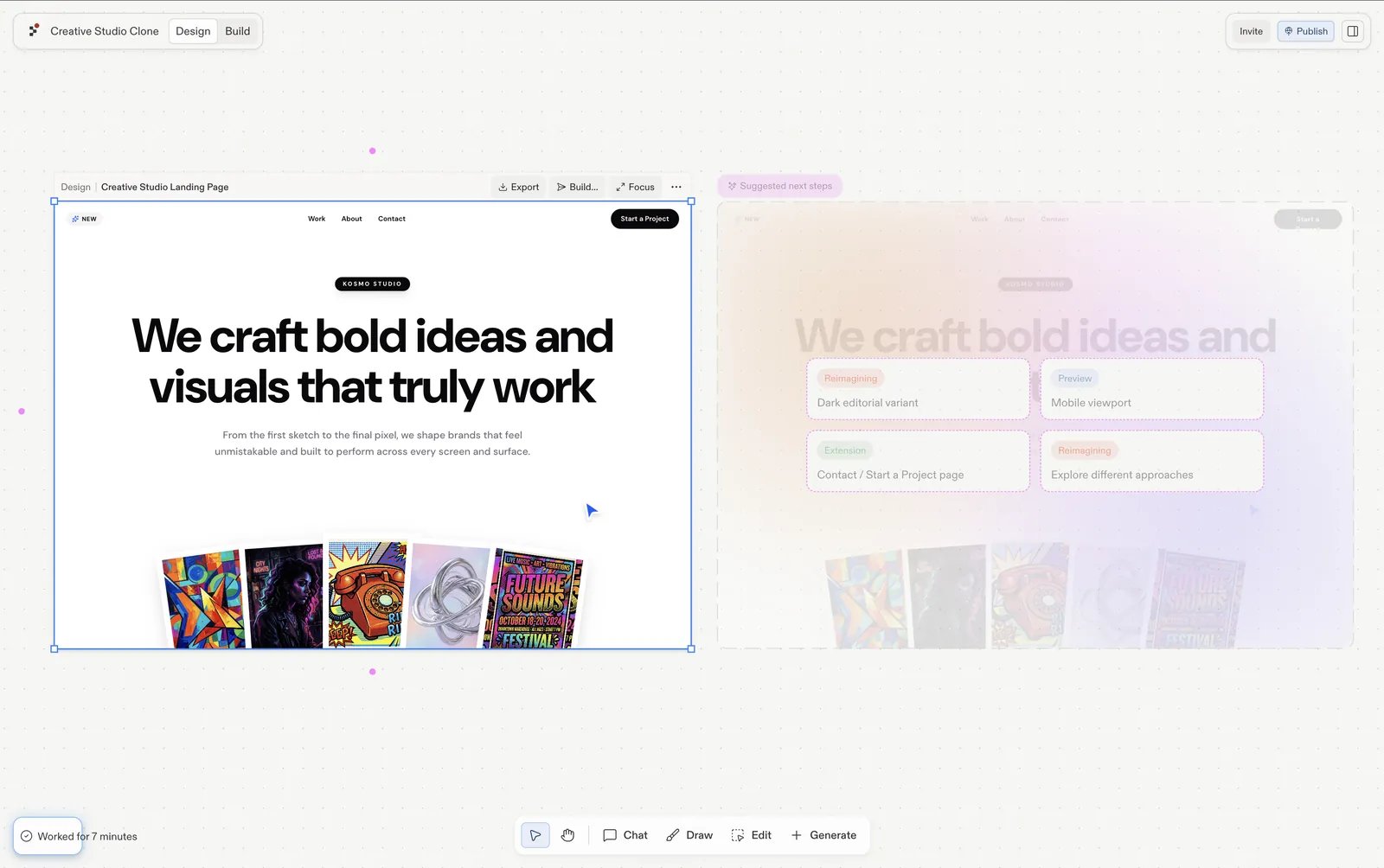
 Agent recreates the site as a design frame in your project.
 ## Make it yours
Select the imported frame and start reshaping it:
* **Follow a [suggestion](/design/explore-suggestions)**: the import arrives with proposed next steps, such as a dark editorial variant, a mobile viewport, or a contact page. Each generates as a fresh frame, so the original stays for comparison.
* **[Chat about it](/design/chat-about-your-design)**: use the input under the frame and brief it in your own words, *"swap the portfolio shots"*, *"make the hero type heavier"*.
## Make it yours
Select the imported frame and start reshaping it:
* **Follow a [suggestion](/design/explore-suggestions)**: the import arrives with proposed next steps, such as a dark editorial variant, a mobile viewport, or a contact page. Each generates as a fresh frame, so the original stays for comparison.
* **[Chat about it](/design/chat-about-your-design)**: use the input under the frame and brief it in your own words, *"swap the portfolio shots"*, *"make the hero type heavier"*.
 ## Next steps
Explore what to design next, one click at a time.
Polish text, colors, spacing, and images directly.
Turn the finished frame into a working app.
## Next steps
Explore what to design next, one click at a time.
Polish text, colors, spacing, and images directly.
Turn the finished frame into a working app.