> ## Documentation Index
> Fetch the complete documentation index at: https://docs.replit.com/llms.txt
> Use this file to discover all available pages before exploring further.
# Chat about your design
> Chat with Agent about your design, from the main chat with a frame attached or with the Chat tool aimed at a single element.
Suggestions are great for exploring; chat is how you steer precisely. There are two ways to chat, matched to how much of the design you're talking about: the main chat for a whole frame, and the Chat tool for a single element inside it.
## Chat about a frame from the main chat
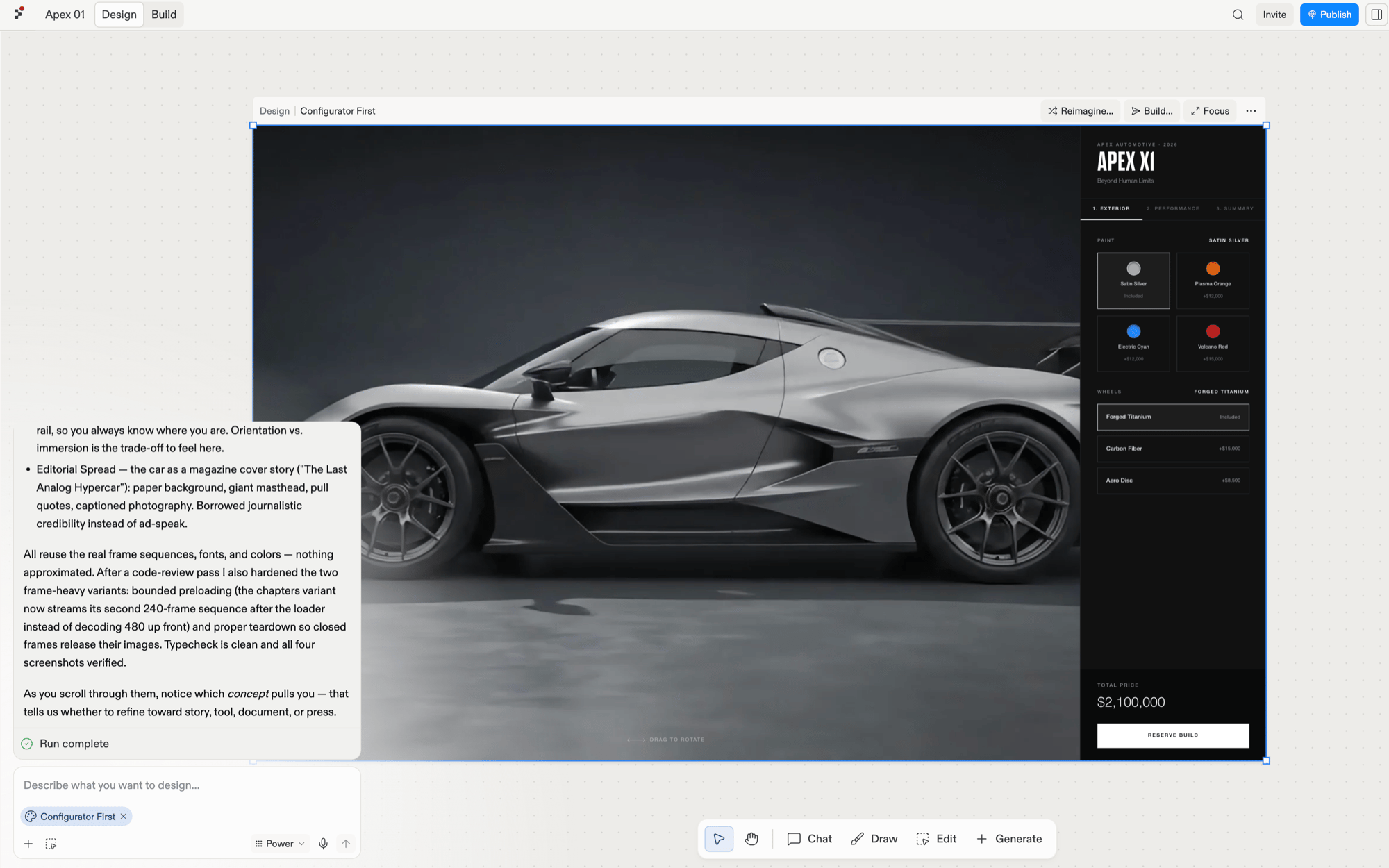
Select the frame you're discussing and it attaches to the main chat as a chip. Then describe the changes you want to see, like you'd brief a designer mid-review: *"warmer colors"*, *"the hero feels empty"*, *"try the nav on the left."*
 ## Chat about an element with the Chat tool
Select **Chat** in the toolbar, then click an element inside a frame, such as a button, a heading, or an image. The rest of the board dims, the element appears as a chip in a composer, and your message applies to just that piece.
## Chat about an element with the Chat tool
Select **Chat** in the toolbar, then click an element inside a frame, such as a button, a heading, or an image. The rest of the board dims, the element appears as a chip in a composer, and your message applies to just that piece.
 ## While it generates
Generation states show in the chat as Design works. When the result lands as a new frame, keep chatting, switch to [suggestions](/design/explore-suggestions), or [build it](/design/build-your-design).
## While it generates
Generation states show in the chat as Design works. When the result lands as a new frame, keep chatting, switch to [suggestions](/design/explore-suggestions), or [build it](/design/build-your-design).